
Made for the pace
of the drive.
Give advisors, technicians, and managers one connected view of the day. From the first appointment to the final handover, keep the work moving and the customer in the loop.
See inside ServiceScroll for the full storyService in MOTIV · the one idea
One repair order. The advisor, the tech, the counter and the customer, all looking at the same thing.
A repair order passes through three sets of hands while the customer waits on all of them. Every handoff is where the day breaks. MOTIV makes the RO the one place everyone works — built for the workload, not the books.
What stands out.
Ranked by what makes a service manager lean in, not by how many features there are.
One repair order. One drawer. Everyone in it.
Open any RO and it slides over the board instead of taking you to a new page — RO info, inspection, tires, vehicle, messages, activity and cashier in one place. The advisor never loses their place with the customer standing there.
- The feeling it replaces
- “I’m the switchboard. Phone, customer, tech, parts, cashier.”
- The feeling it creates
- “The RO tells me where everything stands. I stop chasing people.”
The tech sees it. The customer decides.
A photo or video on every inspection point. Every yellow and red becomes a recommendation, priced from the store’s own op codes. The customer approves line by line from their phone — and the tech never sees a price.
- The feeling it replaces
- “Is this real, or am I being upsold?”
- The feeling it creates
- “I saw what the tech saw. I approved what I wanted.”
About $230 more per ROwhen customers see photos or video of the work. Cox Automotive Fixed Ops & Ownership Study, 2026.
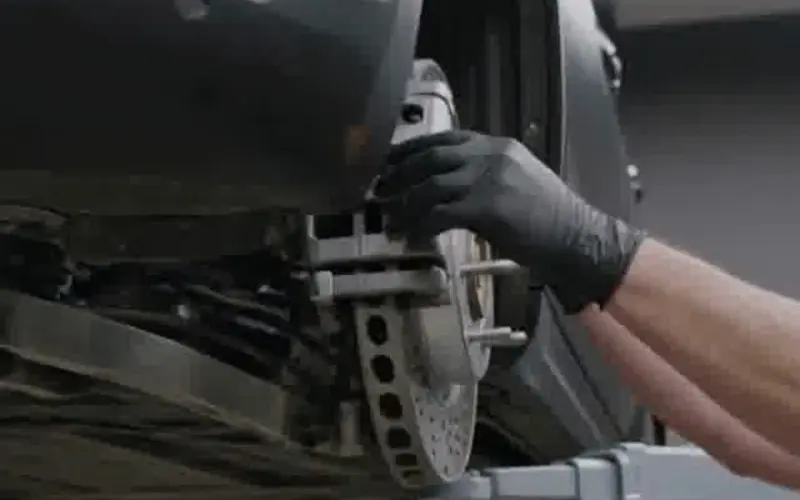 ▶ 0:24RF caliper sticking
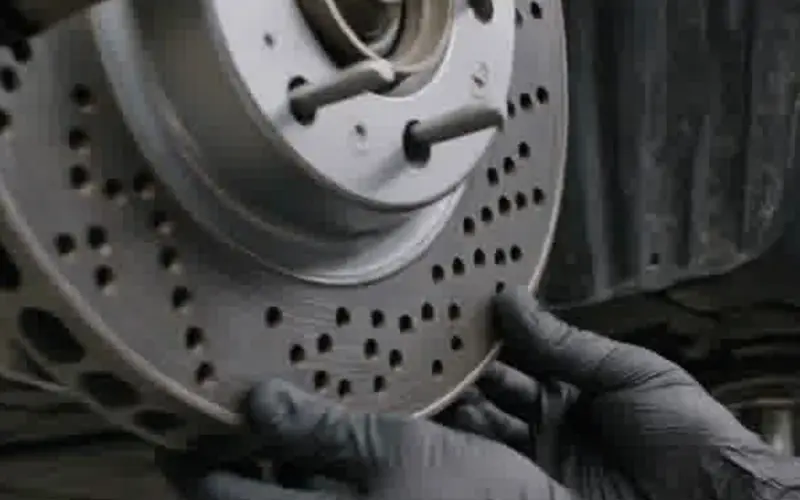 PhotoRF rotor scored
 ▶ 0:24Marcus: right front caliper
See the shop’s load right now, not at month end.
Every bay against its promise time, the hours promised today, who is on the clock, and a lane for the cars still waiting on a bay — oldest first. When nobody is clocked in it says so, instead of showing 0.0 hours.
- The feeling it replaces
- “I’m judged on hours I can’t see until month end.”
- The feeling it creates
- “I can see which promises are at risk before the customer calls.”
2 cars waiting for a bay
Declined work comes back on its own.
When a customer says “not today,” the line is saved with their reason and comes back as an opportunity on the department’s own board — so the next conversation starts where the last one stopped. Nobody has to remember to call.
- The feeling it replaces
- “The tire from March never got mentioned again.”
- The feeling it creates
- “It was on the board the day they came back.”
Measured fairly. Shown to the tech first.
The job clock, what this shop has learned about the job, the parts it usually takes, and the tech’s own numbers against book — leaving out comebacks, jobs that waited on a part and shared jobs, and saying so. Techs are listed A to Z, never ranked by job count.
- The feeling it replaces
- “I lose hours waiting, and nobody sees it.”
- The feeling it creates
- “I know what’s next, and my time is measured fairly.”
Also standing out.
Three more that dealers ask about first.
One visit, two departments
Service and detail, or service and body shop, booked as one arrival with one drop-off and one promise time.
Warranty claims checked before they go
A pre-check reads the story, the mileage, the op code and the photos before a warranty or service-contract claim leaves the store — so it isn’t sent back for paperwork.
The porter’s run, on his phone
Car moves, pickups and deliveries come from the work itself. The porter sees his queue, claims a car, and says where he left it.
One RO, start to finish.
Everything that lives in a different system in most stores is the same repair order in MOTIV.
- 1
Book
Real shop hours, not just open slots.
A time that holds - 2
Write up
Starts on the car; the owner comes with it.
Nobody asks twice - 3
Inspect
Photo or video on every point.
What the tech saw - 4
Approve
Priced recommendations, line by line.
Their choice, on their phone - 5
Parts
The request is born on the RO line.
An honest ready time - 6
Repair
Job clock and stage on the board.
Progress, without calling - 7
Close
How it adds up, line by line.
No surprise at the window - 8
Follow up
Declined work comes back on its own.
A reminder that makes sense
Seat by seat.
How the day feels before and after, in each seat’s own words.
Service manager
“I can’t see any of it until month end.”
“I can see the shop’s load right now.”
Advisor
“I’m graded on everything and I’m the switchboard.”
“The RO tells me where everything stands.”
Technician
“I lose hours waiting on the advisor, the part and the bay.”
“I know what’s next, and my numbers are fair.”
Customer
“I have no idea what’s happening with my car.”
“I saw it, I approved it, I know when it’s ready.”
The little things.
Nobody buys on these. They’re why the staff say “finally.”
- The write-up opens on the cartyping the customer in again
- Check-in photos of fuel, keys and damage“that scratch was there when I dropped it off”
- “Why declined?” with six reasonsdeclined work with no story behind it
- “Which bay is the car in?” on Start jobnobody knowing where the car is
- Move to Ready warns about an unfinished linea car sent up unfinished
- Mileage out can’t be lower than mileage ina warranty claim broken three weeks later
- “How this adds up” at the cashierdoing math at the window
- Saved views: Overdue, Waiters, Comebacksscanning 40 cards for the three that matter
- Open recalls in the customer’s appthe customer hearing about a recall somewhere else
See your drive on one screen.
Request a 20-minute walkthroughVisual service board
See repair orders, technician assignments, parts needs, and promised times in one workspace.
Scheduling & dispatch
Organize appointments and route work to the right technician without losing sight of capacity.
Digital inspections
Capture photos and video, document findings, and turn inspection results into clear recommendations.
Repair order management
Keep customer concerns, technician stories, estimates, and approvals connected to the job.
Declined-work follow-up
Keep deferred recommendations connected to the customer’s history and the next conversation.
Cashier & close-out
Bring the visit together with clear repair records and a consistent handover.
Present to customer
Walk the customer through findings, photos and recommendations in a view built for the conversation.
Guided technician mode
Give technicians a step-by-step path through the job, with parts captured from the bay as the work happens.
Customer & vehicle profile
Open the history behind the visit — past work, deferred recommendations and the vehicle’s story.
Display Center
Build the screens your store already runs on — drive status, shop boards, lounge and showroom — from the same records.